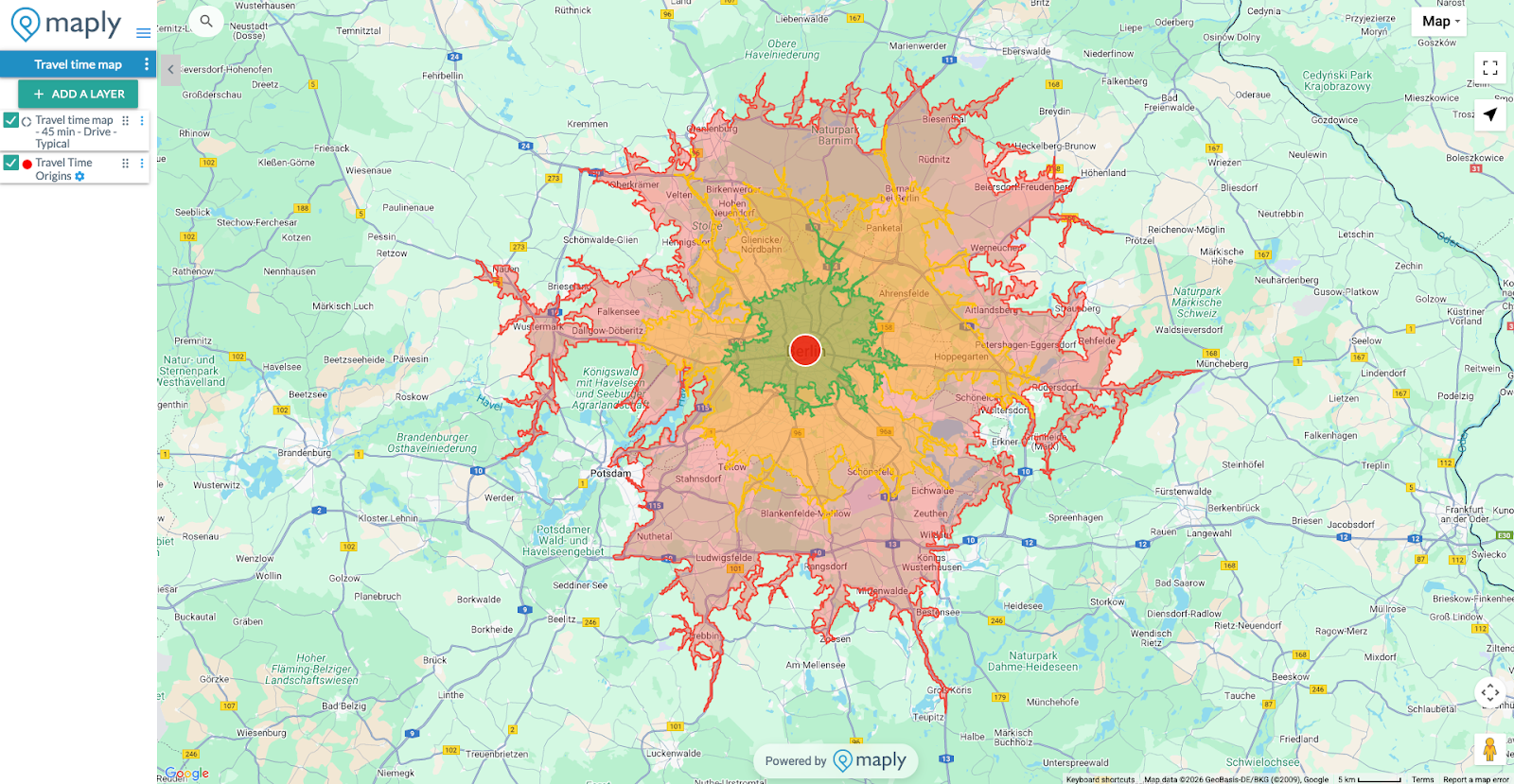
You can now create a map which displays the reachable areas from any location based on actual travel time. We are excited to share this new feature with you.
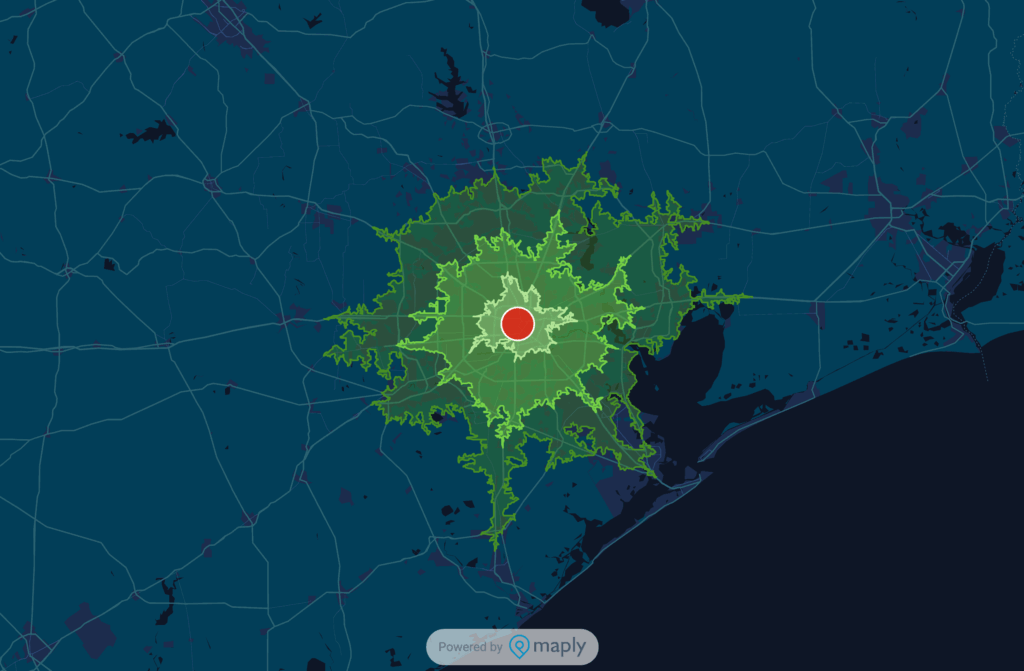
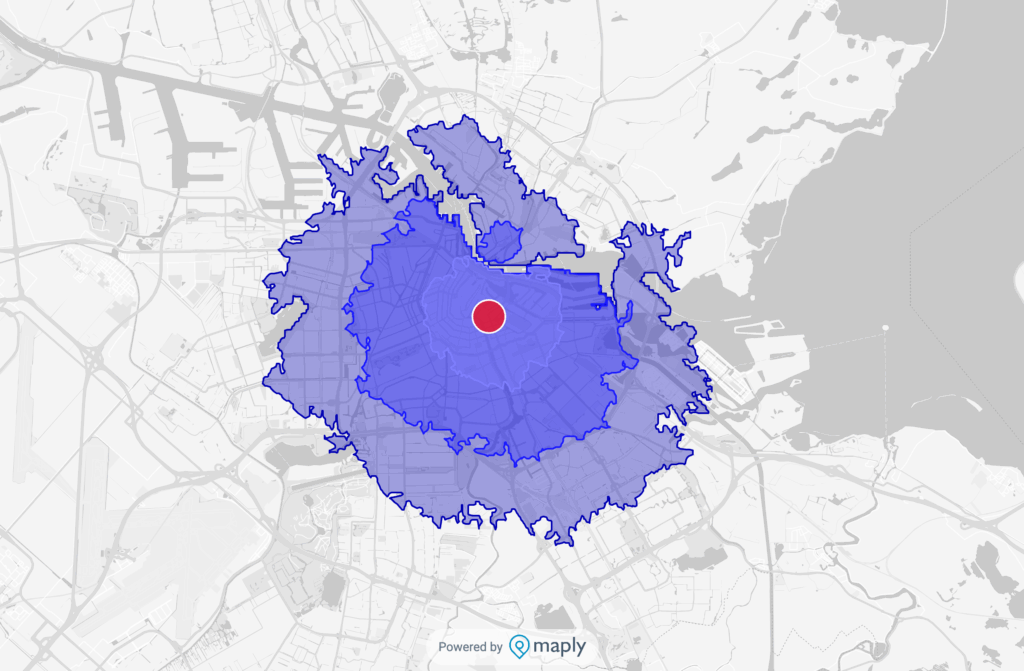
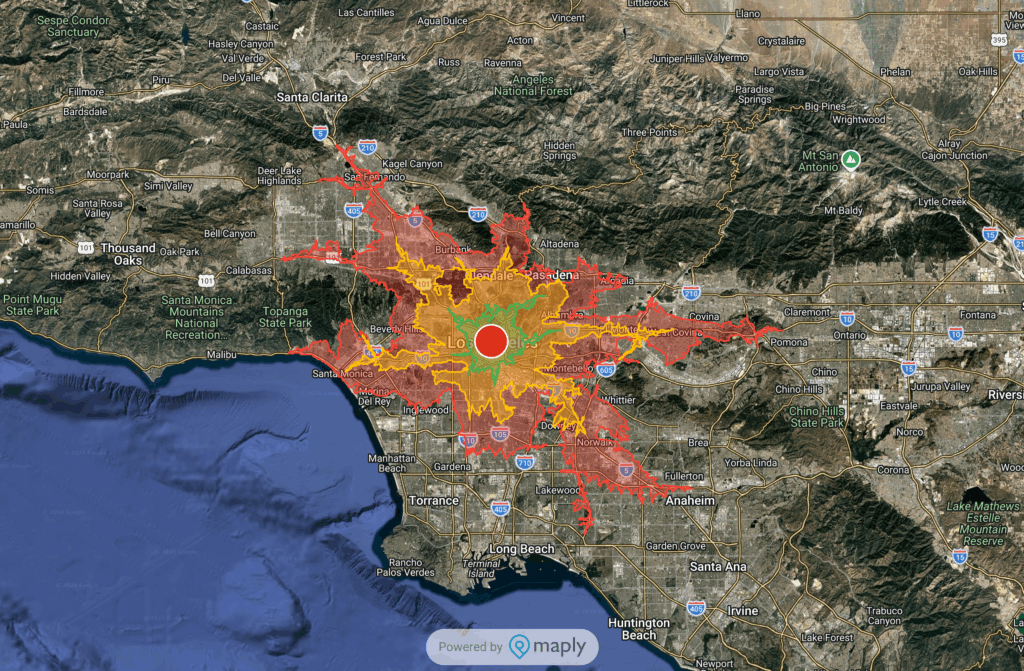
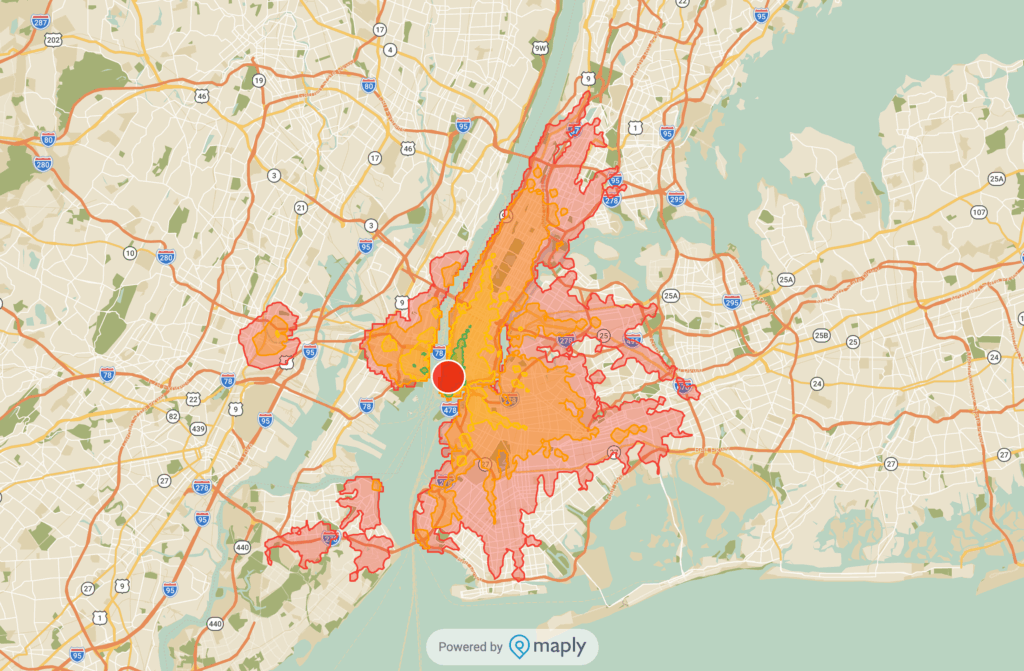
You can choose from multiple travel modes, traffic condition for driving and customise the colour.
To make a travel time map, just select “Add a Layer“, then click “More“, then choose “Add a Travel Time Map“. Fill in the details and you’re done!
For a more in depth explanation of the steps, how our Travel Time Map can be used or FAQs, check here.
Our goal here at Maply is to make mapping accessible while practical, this is just one way we’re improving constantly to reach that goal. Ready to try our Travel Time Map? Get started for free here.