We are excited to introduce our new feature: protecting your published maps with a password.
After creating an awesome map, Maply lets you publish it to the public so that anyone with the link to the map can access it. Now, you also have the option to share it with only a select group by protecting your map with a password. Visitors will need to enter the password to access it, giving you greater peace of mind when sharing maps that may contain sensitive data.
How to protect your map
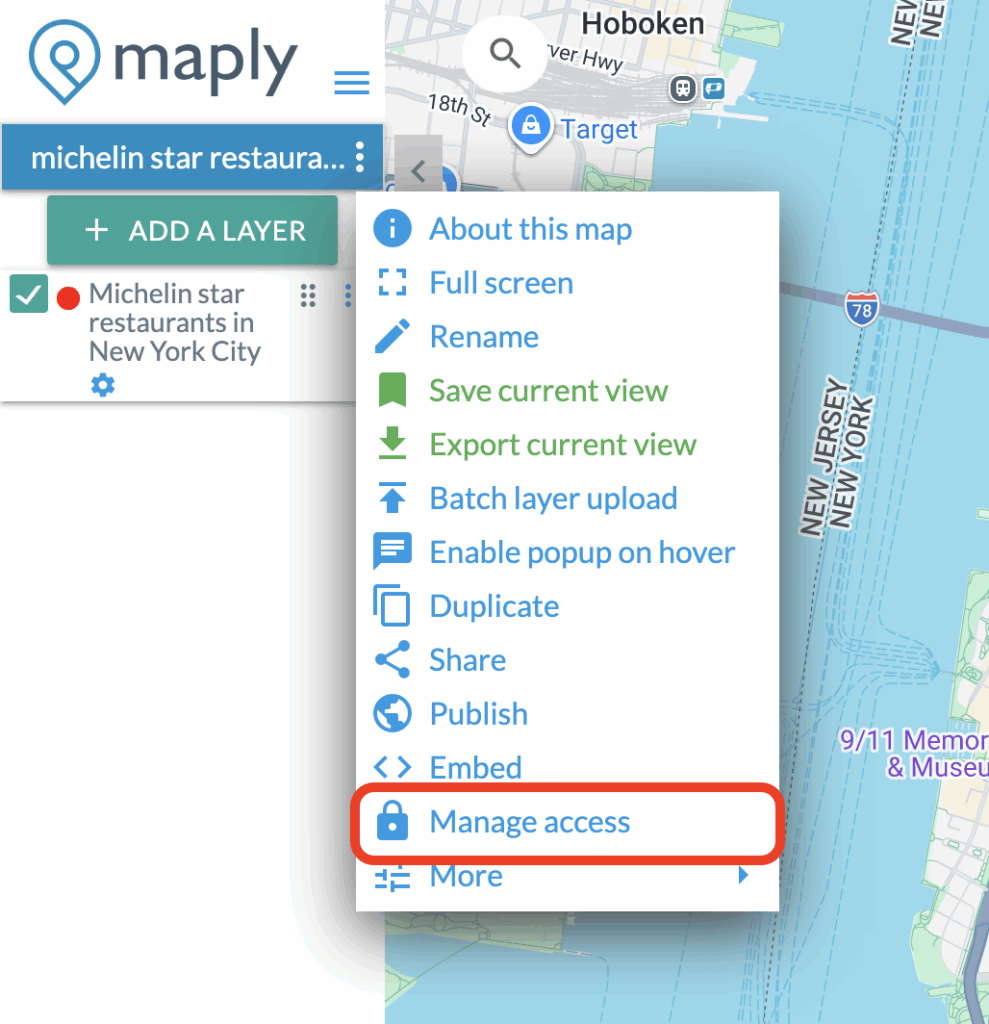
After publishing your map, click on the three dots icon and press “Manage access”
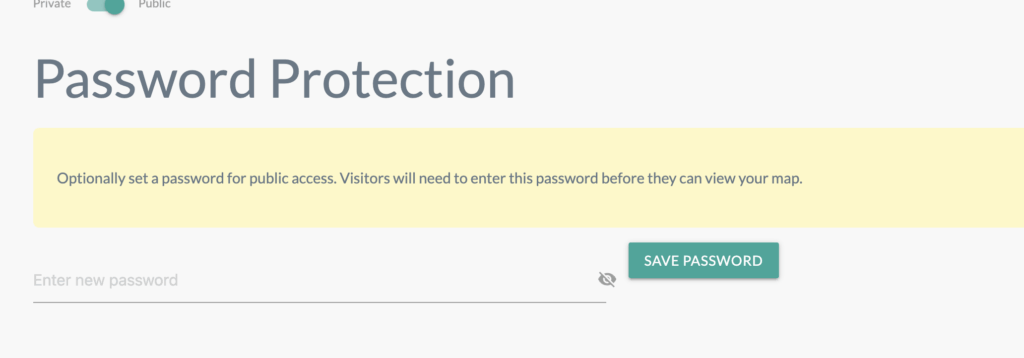
Scroll down to enter your new password and click “SAVE PASSWORD”.
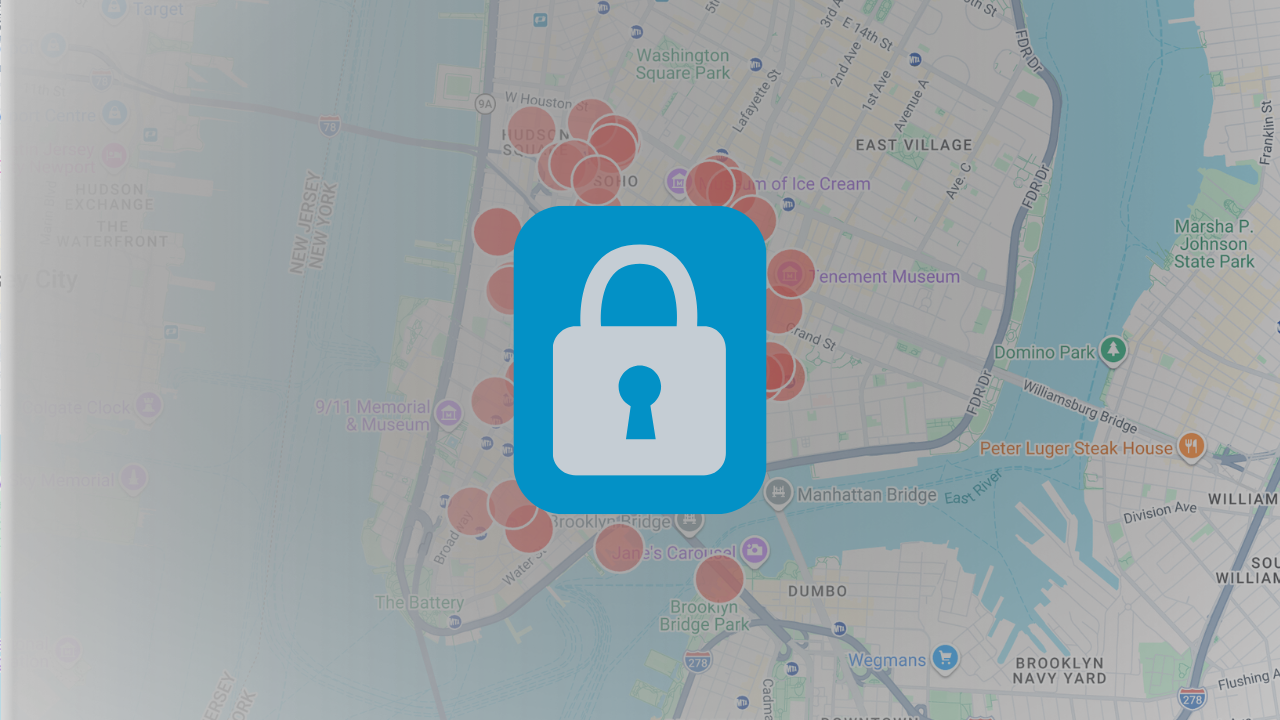
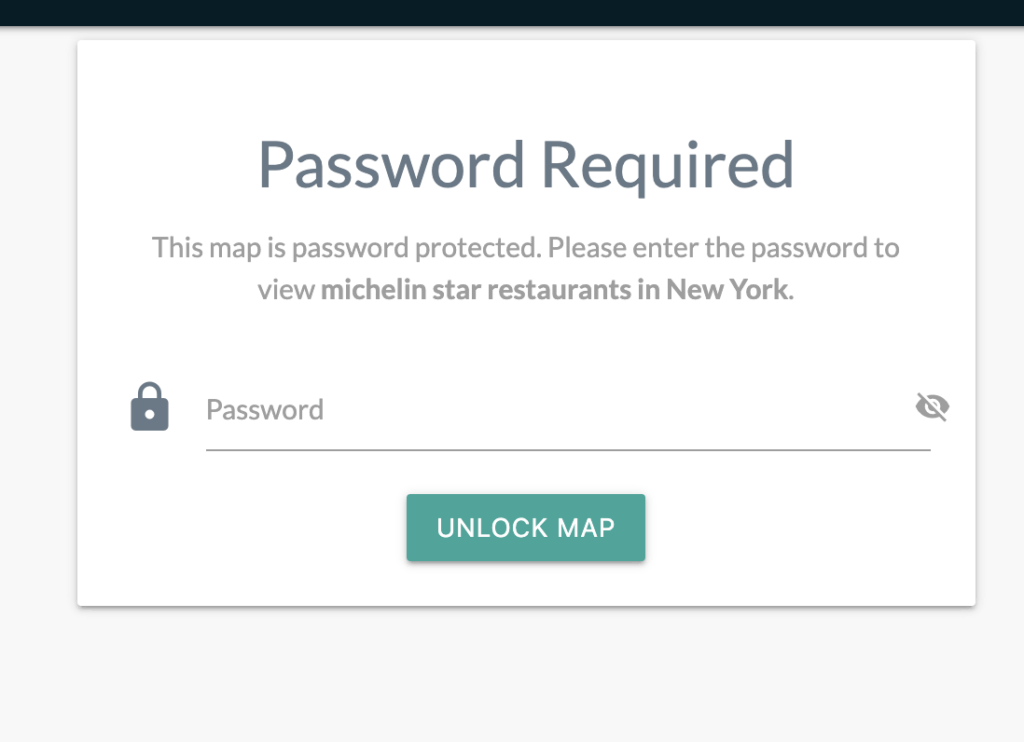
Now, when you share the link of your map with others, they will be greeted with this screen.
This makes protecting your maps easy and flexible. Try it out for yourself in any of your maps!